


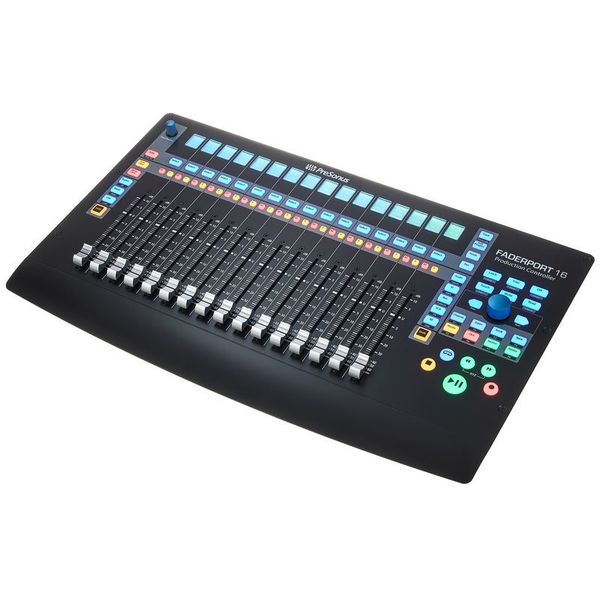
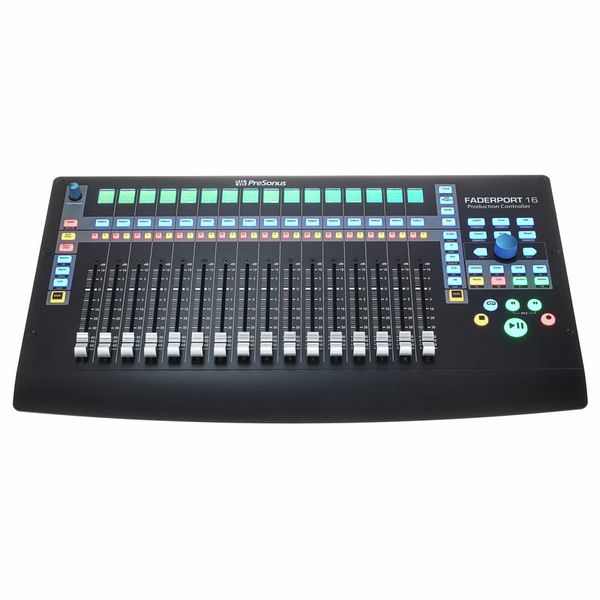
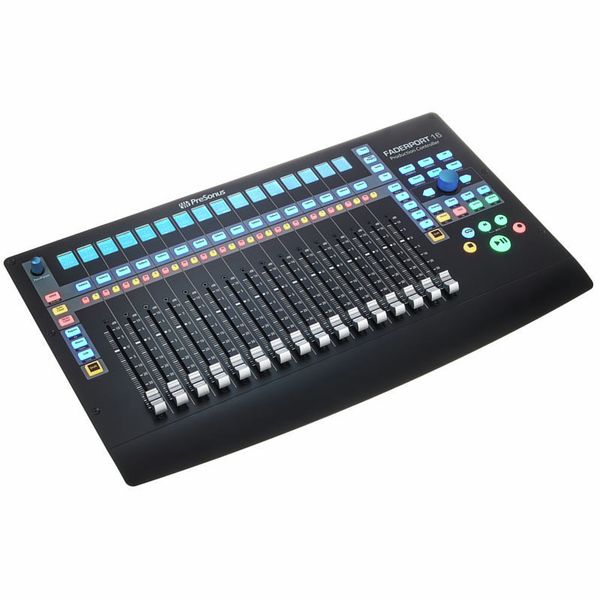
Presonus Faderport 16




Includes 3 months of full access to ArtMaster.com – your online music learning platform for music production, songwriting and viral TikTok-style music creation.
When you purchase this studio product, you receive a free 3-month voucher worth EUR 59, valid from 15.07. to 14.10.2026, giving you full access to premium online courses focused on modern production techniques, beat-making, vocal editing, creative workflows and content-ready sound design.
ArtMaster.com – your e-learning partner created with industry professionals such as Sam Pounds (Chris Brown, Dr. Dre), Printz Board (Black Eyed Peas, Justin Timberlake), and Chris Kasych (Adele, Beck, Pharrell Williams). Learn from over 500 video lessons designed for producers, creators and songwriters — covering DAW production, mixing fundamentals, arrangement, hooks for TikTok, and essential skills for turning ideas into release-ready tracks.
This offer is available in English.

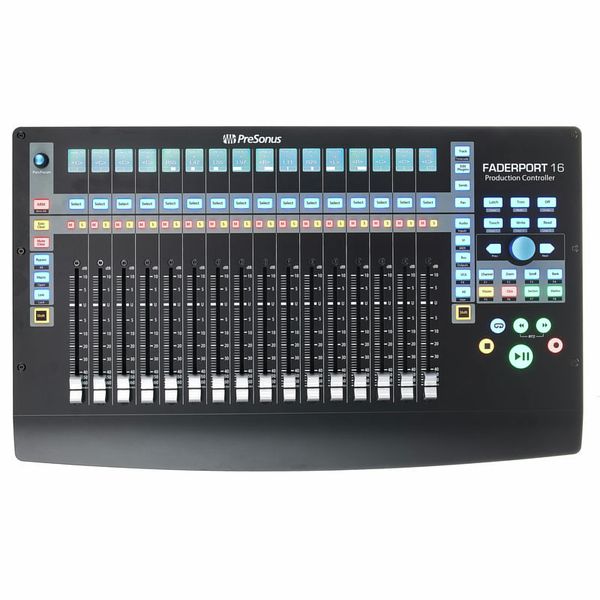
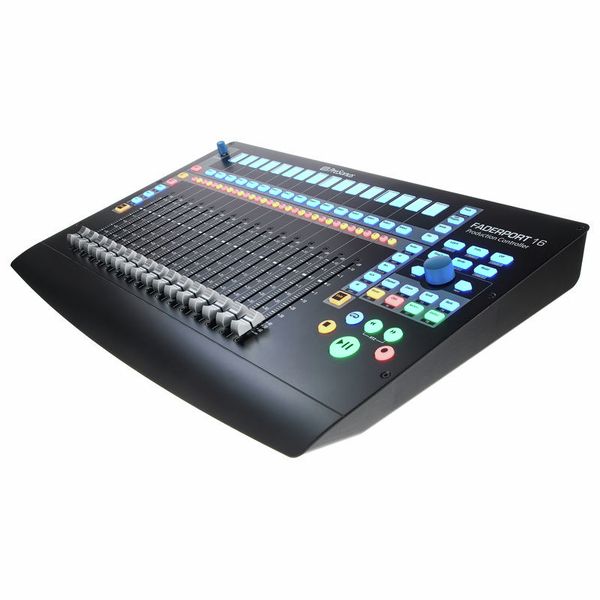
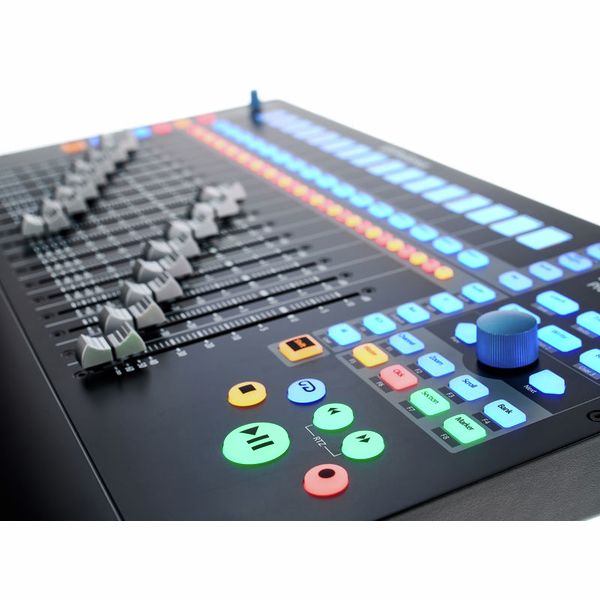
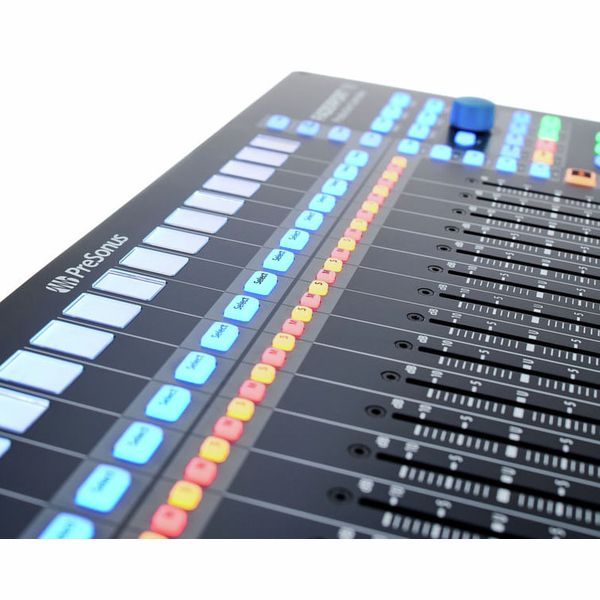
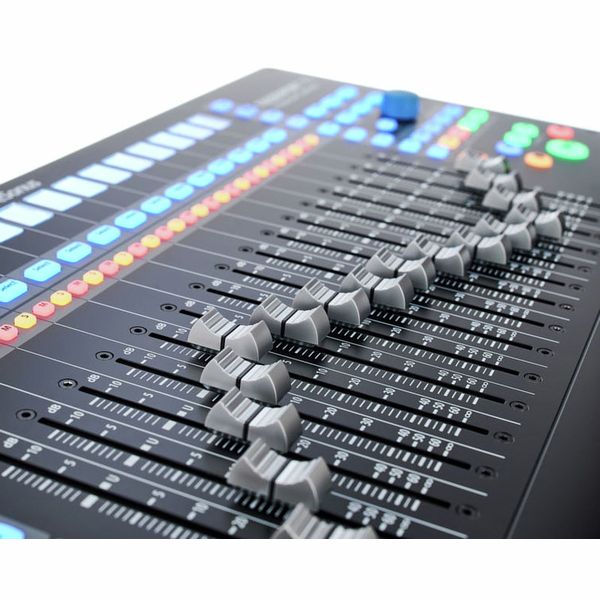
16-Channel DAW Production Controller
- 16 professional, touch-sensitive 100 mm motorised faders (dual servo drive belt)
- High fader resolution: 10 bits/1,024 steps
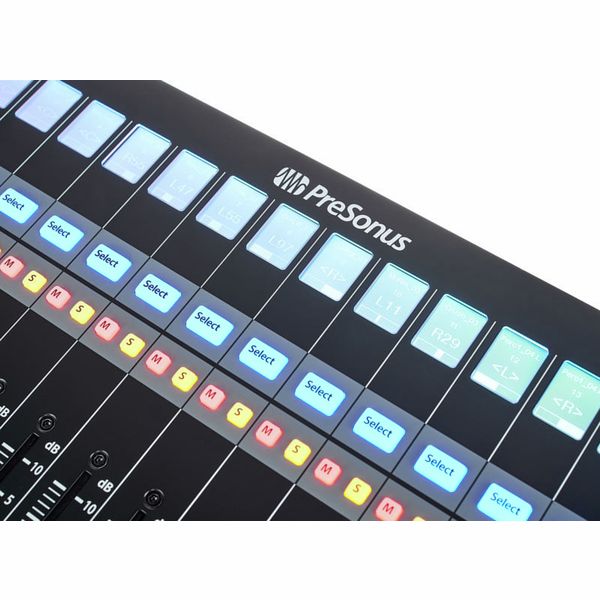
- 85 backlit and status-illuminated buttons
- 104 controllable functions
- 16 high-resolution LCD screens as digital labelling fields
- Time code and level display
- Small encoder as panpot and other selected parameters
- Large data wheel with push button for scrolling, zooming, navigating and much more
- Two arrow buttons for step-by-step navigation and setting
- Transport control, track control, automation control
- Session navigator, fader modes, mixer view
- Undo/redo, click track on/off, tap tempo, set marker, plug-in parameters and much more
- Four programmable user buttons
- Eight function buttons
- Native Studio One support, HUI and Mackie Control selectable
- Compatible with ProTools, Logic, Cubase, Ableton, Nuendo, Bitwig, Reaper, Digital Performer and others
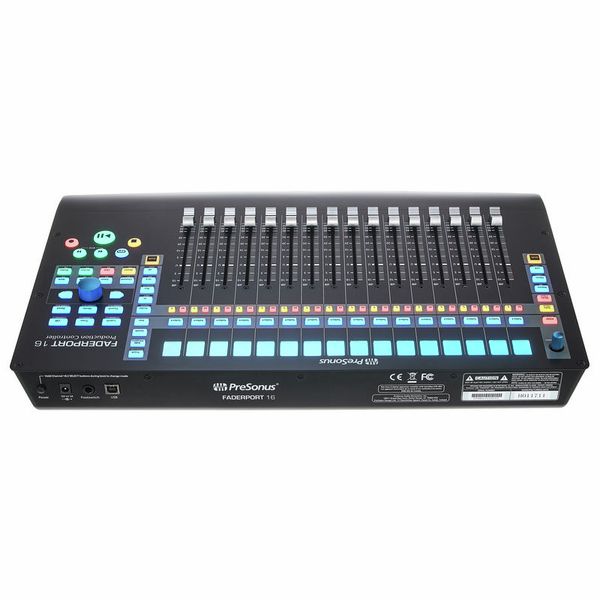
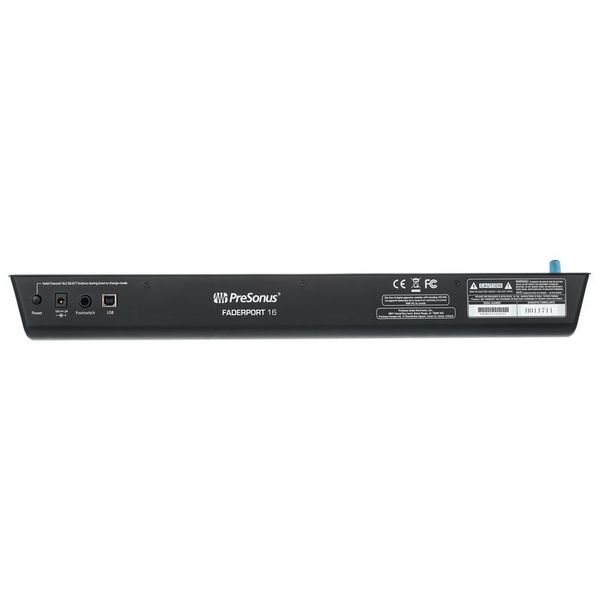
- Jack socket for optional footswitch (start/stop commands)
- No driver installation necessary
- Power supply: External power supply (12 VDC/2 A)
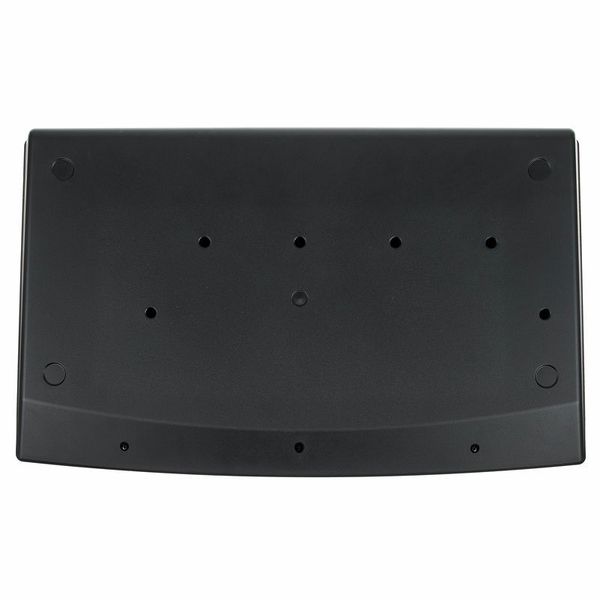
- Dimensions (W x D x H): Approx. 498 x 302 x 53.6 mm
- Weight: 3.63 kg
- Includes Fender Studio Pro Perpetual (Download)
- Suitable protective cover: Art. 516108 (not included)
System requirements:
- Macintosh OS X 10.8.5 or later
- Intel Core 2 Duo (Intel Core i3 or faster recommended)
- Windows 7 x64/x86 SP1 + platform update
- For Windows 8.1/x64/x86
- For Windows 10/x64/x86
-
Tillgänglig sedan Januari 2018
-
Artikelnummer 424629
-
försäljningsenhet 1 Styck
-
USB Yes
-
Bluetooth No
-
5-pole DIN MIDI No
-
Ethernet No
-
Fader 16
-
Rotary Encoders 2
-
Audio I/O No
-
Transport Function Yes
-
Footswitch connection Yes
-
Foot Controller Connection No
-
Bus-Powered No
-
Jog Yes
-
Joystick No
-
Additional Features LCD Display per Channel

Detta är vad kunder som tittade på denna produkt köpte

Tillbehör & matchande produkter

Jämför alternativ
-
Presonus DAW Controller en överblick
-
DAW Controller till priser från 8750 kr - 9250 kr annonser
-
till produktgrupp DAW Controller
-
till produktgrupp Kontroller
-
till produktgrupp Studio- och inspelningsutrustning
-
visa tillverkarinformation för Presonus
-
Presonus Studio- och inspelningsutrustning en överblick