Till sidans innehåll

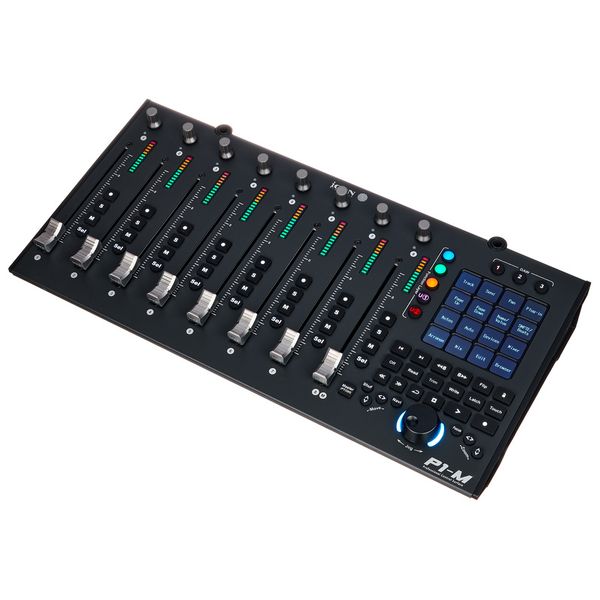
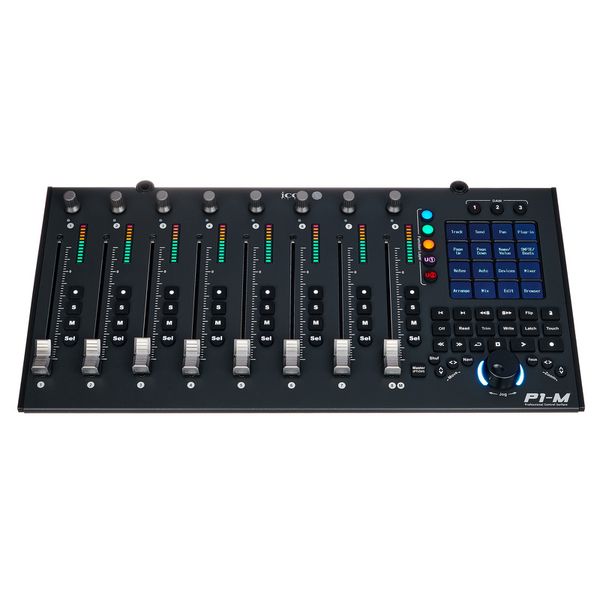
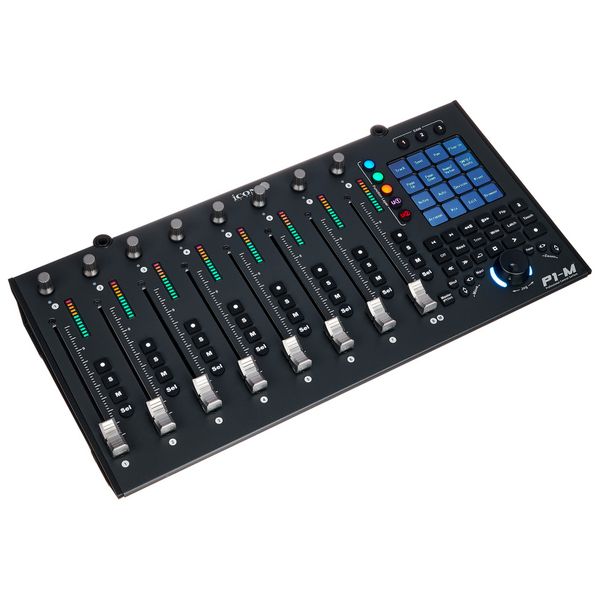
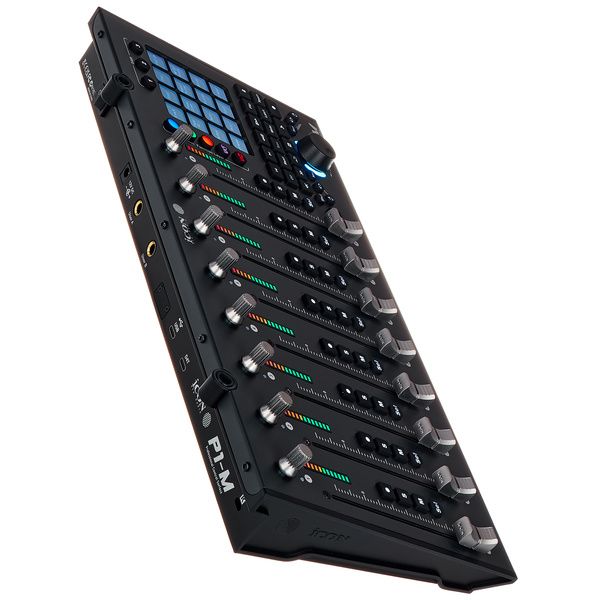
Compact USB DAW Controller

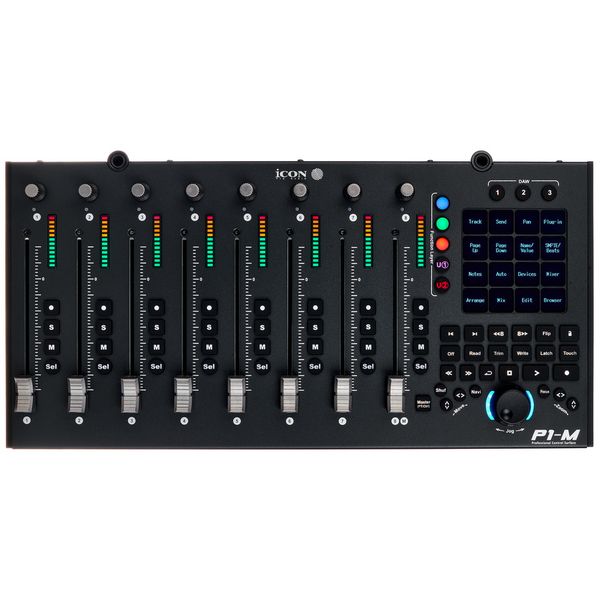
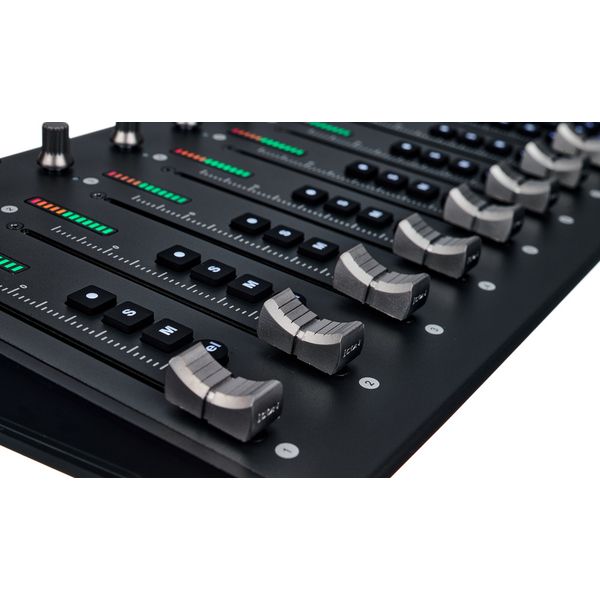
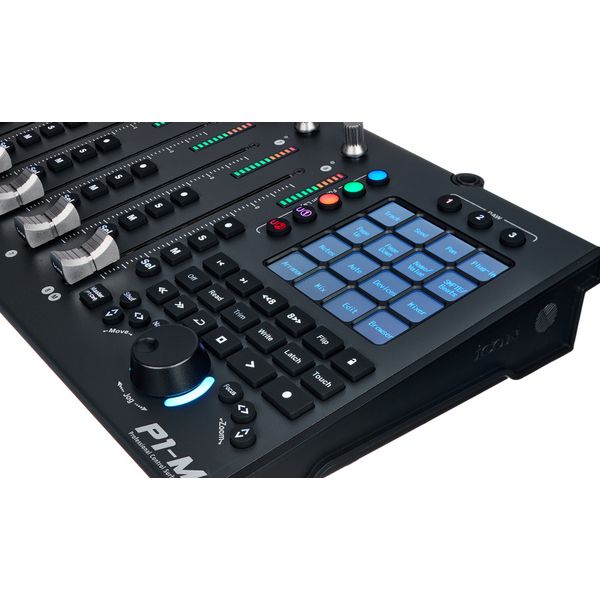
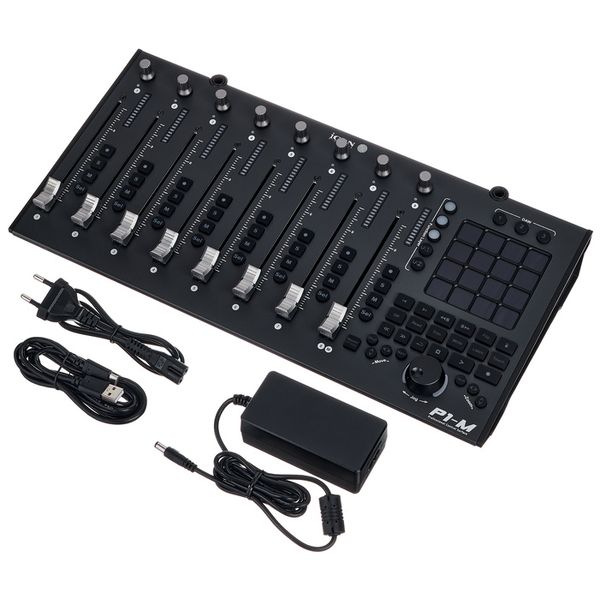
  • 8 Touch-sensitive motorised faders with 12-bit resolution
  • 4" OLED touchscreen with 16 programmable fields and 5 layers for a total of 80 controllable functions
  • Up to 3 DAWs can be controlled simultaneously
  • Level display, encoder and illuminated buttons for recording, solo, mute and channel selection for each channel
  • Jog wheel and illuminated buttons for DAW control
  • Class Compliant from MacOS 10,15 and Windows 10
  • Supports Ability, Audition, Ableton Live, Bitwig, Cakewalk, Cubase/Nuendo, Digital Performer, FL Studio, Mixbus 32C, Pro Tools, Logic Pro, Luna, Reaper, Reason, Samplitude, Studio One and Tracktion Waveform
  • Supports Mackie Control Universal and HUI protocols
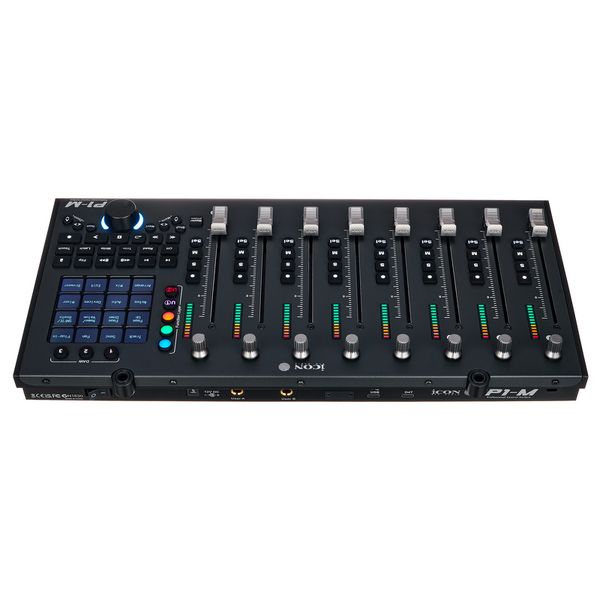
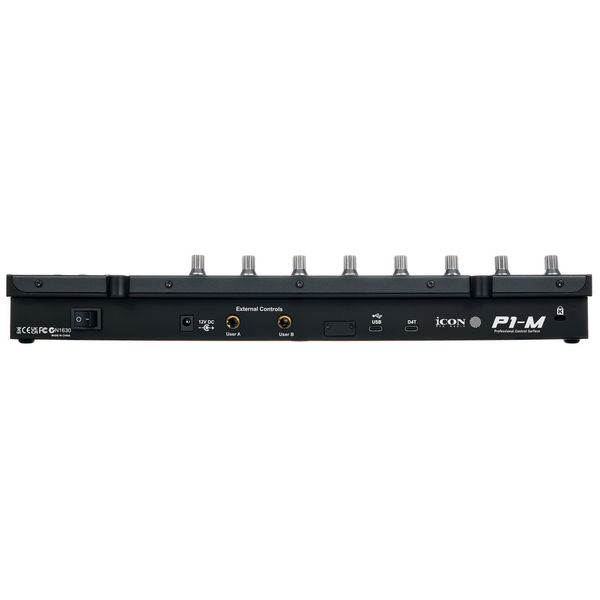
  • USB-C Port
  • Footswitch inputs: 2 x 6.3 mm jacks
  • Expandable to up to 8 channels with separately available V1-X expanders (Art. 579524
  • Expandable with separately available display D4-T (Art.579525)
  • Dimensions (W x D x H): 405 x 204 x 61 mm
  • Weight: 1.92 kg
  • Includes USB-C cable and external power supply unit (12 V DC / 2.5 A)
  • Tillgänglig sedan December 2023
  • Artikelnummer 579523
  • försäljningsenhet 1 Styck
  • USB Yes
  • Bluetooth No
  • 5-pole DIN MIDI No
  • Ethernet No
  • Fader 8
  • Rotary Encoders 8
  • Audio I/O No
  • Transport Function Yes
  • Footswitch connection Yes
  • Foot Controller Connection Yes
  • Bus-Powered No
  • Jog Yes
  • Joystick No
  • Additional Features n/a
6 190 kr
Alla priser inklusive moms
i lager
1

16 Kundbetyg

4 / 5

drift

funktioner

hantverkskvalitet

12 Recensioner

P
My favourite DAW controller this far
Peter0910 01.06.2026
I have used plenty of different brands, mostly single fader based controllers. This one is very smooth, and it may feel overkill before a purchase to have 8 faders, but you will thank yourself after realising that it is such a relief to quickly reach for a fader in a bus group to do a quick balance, instead of wandering around each channel at a time. You do not have to be an octopus intensely working all faders on touch automation simultaneously to get use out of this. The touch pads are very useful for common macros and functions, and you have multiple pages for different macro sets. The triple DAW function has been useful for me since I produce/record and mix in different DAWs, and not having to reconfigure everything for every single session is a lifesaver.

Only con: the software is not the most modern, and some people have ran into issues with it. A lot can be done physically under the hood however, such as fader calibration and similar, which can fix many issues that people have reported.
hantverkskvalitet
funktioner
drift
0
0
Anmäl recension

Anmäl recension

google translate gb
Tyvärr uppstod ett fel. försök igen senare.
DA
Excellent quality (some negative points with the software)
DJ Adam Wise 22.11.2024
The hardware part is excellent, works as intended. The fader motors are barely audible (if even). Phisical buttons have a good feel, but maybe the transport controls could have been a weee bit more spaced (my fingers are quite thin, but I still need to be careful around the jogweel when I press play/stop). LCD buttons work like a charm.

I love that there's a single hardware button to switch the 8th fader between "master" and "channel 8" in under a second.

The control software (iMap) is somewhat buggy, sometimes it just "forgets" the pre-assigned DAW templates, sometimes it shows one DAW (the default, Bitwig) but the hardware shows the one I set (i.e. Nuendo). And it doesn't really show the current vs latest firmware version, it will proceed with the firmware update even if it's the same (tested, it "updated" 3 times in the same hour). But other than that, it has templates for any DAW on the market (I think).
hantverkskvalitet
funktioner
drift
1
0
Anmäl recension

Anmäl recension

google translate gb
Tyvärr uppstod ett fel. försök igen senare.
R
Not 100% compatible with Protools 2024.6
Rolonboard 04.01.2025
I just updated the firmware to V1.08 and some of the pads stopped working with Protools.
hantverkskvalitet
funktioner
drift
0
0
Anmäl recension

Anmäl recension

google translate de
Tyvärr uppstod ett fel. försök igen senare.
KP
Sehr schwierig
Kevin Pirwi 20.03.2024
Ich dachte ja da ich FL Studio benutze das es Software seitig Probleme geben könnte das ging aber erstaunlicher weise gut auch wenn man leider bei eigen shortcuts nur drei Zeichen einspeichern kann und leider auch keine Shortcut ketten die es einem ermöglichen würden plugins direkt zu öffnen und so weiter aber an sich ist das mit dem Display eine super Lösung.

Ganz ehrlich ohne das Display ist es fast nicht sinnvoll nutzbar und der Preis für das Display finde ich leicht unangemessen.

Negativ überrascht war ich von der Verarbeitungs Qualität (laute,schwergängige Fader, nicht rund laufendes Jog-Wheel und kippeln des controllers) und das die Fader sich immer wieder leicht nach justieren oder bewegen auch wenn gar kein Signal an den Controller geht selbst wenn die Daw geschlossen ist.
Icon zu kontaktieren stellt sich als schwierig raus aber ich warte jetzt auf Antwort dann wird es hier auch noch mal ein Update geben.

Kleines Update das meiner Meinung nach überteuerte aber notwendige extra erhältliche Display hat trotz teurem putz Equipment einen Kratzer bekommen.
hantverkskvalitet
funktioner
drift
11
4
Anmäl recension

Anmäl recension